

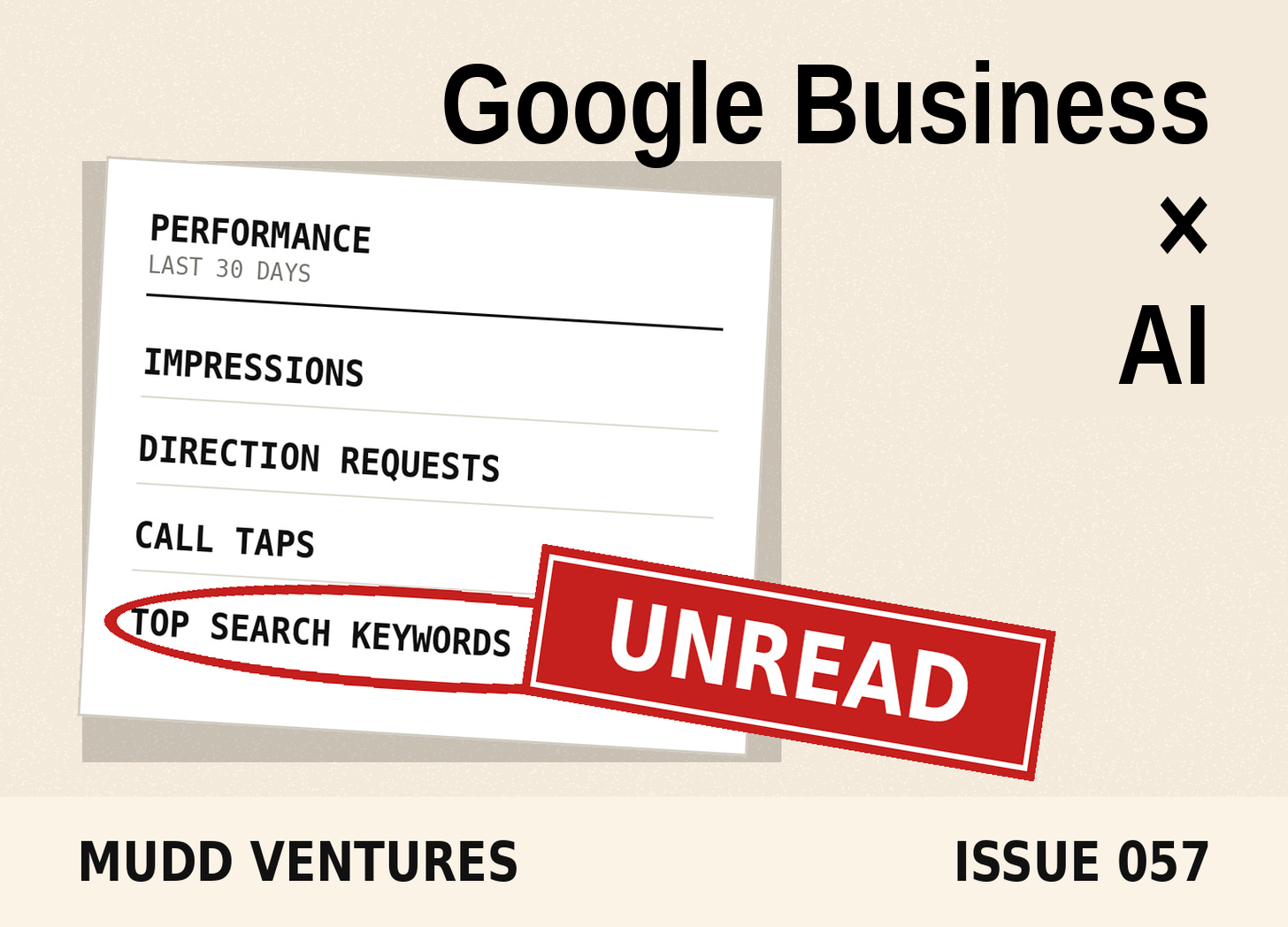
TLDR: Google connected Google Business Profile directly to the Gemini app, so a single-location operator can now ask plain questions about their own search impressions, direction requests, call taps and search keywords, draft review replies grounded in the actual review text, and edit hours, attributes and action links from a chat window. It’s free, it’s already rolling out globally outside the EEA and UK, and it covers a meaningful slice of what listing-management retainers bill $300 to $1,200 a month for. Below: the three prompts to run, what good output looks like, and the four eligibility rules that will block half of you before you start.
In the agency years, the Google Business Profile was almost always somebody’s third priority. It got set up during onboarding, somebody dropped in the hours and a few photos, and then it sat there for two years untouched until a one-star review showed up and suddenly everybody cared about it for about a day. Meanwhile that profile was quietly collecting the highest-intent data in the whole business, the searches people typed right before they tapped call, and nobody on either side of the engagement was reading it, because opening the dashboard was never on anybody’s calendar.
I call that the Unread Storefront, and Google just did something about it.
Google wired Business Profile into Gemini on June 10, plus Business notebooks, and both started rolling out globally over the following weeks (Google’s announcement). Vishnu Sivaji, senior director on the Gemini app, described the connected state as an assistant with “access to your real-world context like customer reviews, customer questions and performance data” (via Search Engine Journal). It shifts the janitorial half of local visibility out of a dashboard nobody logs into and into a chat window most owners already have open on their phone.
By the end of this you’ll have three copy-paste prompts that pull your profile’s real performance numbers, draft a review reply that references the actual review, and surface the gaps in your listing, plus the eligibility checklist that tells you in 30 seconds whether you can use any of it yet.
Here’s what’s underneath:
The data was always there, the door was just annoying. Impressions, direction requests, call data and the search keywords customers used are all in Business Profile, and asking for them in plain language is a different behavior than remembering to log in.
Review replies are the first thing everybody will use and the easiest thing to get wrong. Drafting is the win. Publishing without reading is how a tire shop thanks someone for the sushi.
Business notebooks are Google’s version of a standing brief, a container that holds your profile, your website and your prior chats so the assistant stops starting from zero.
The eligibility rules are narrow enough to be the real story. One verified profile, personal Google account, activity on, and nothing in the EEA or UK.
The retainer math shifts at the low end, not the high end. The $300-a-month “we post weekly and reply to reviews” tier is the part under pressure.
Who this is for: single-location service businesses and local operators who own one verified Google Business Profile, whether you run it yourself or pay somebody a few hundred a month to run it for you.
Step one: check whether you’re even eligible, then connect
Open the Gemini web app, go to connected apps, link Google Business Profile with a single tap. Before you do that, run the eligibility check, because Google’s help documentation is stricter than the blog post reads.
You qualify if all of these are true:
[ ] You are owner or manager of ONE verified Business Profile, no more
[ ] You are signed in with a PERSONAL Google account (not Workspace/work/school)
[ ] You are 18+ and using the Gemini WEB app (not the GBP Manager app)
[ ] Gemini Apps Activity is turned ON
[ ] Your business is NOT in the European Economic Area or the UK
What correct output looks like: after connecting, ask “what Business Profile are you connected to?” and Gemini names your business, your category and your city back to you without you having told it any of that.
The failure mode: if Gemini answers with a generic explanation of what a Business Profile is, or asks you which business you mean, the connection didn’t take. The two most common causes are the multi-profile block (if you have manager access to a second location, a client’s profile, or an old test listing you forgot about, you’re out for now) and the work-account block. The fix for the second one is connecting from the personal account that owns the profile. The fix for the first one is removing your manager access from the profiles you don’t need, or waiting, because Google has been clear this is the simple-governance first wave (eligibility breakdown here).
Walk away with: a definitive yes or no on whether this is available to you today, and a connected profile if it is.Step two: run the monthly read you’ve never run
This is the one that earns the whole exercise, most operators have never looked at their own search keyword data once. Paste this in:
Using my connected Google Business Profile, give me a plain-English
performance read for the last 30 days compared to the prior 30 days:

1. Search impressions, and whether the split between discovery
   searches and direct searches moved
2. Direction requests, website clicks, and call taps, with the
   percentage change on each
3. The top 15 search keywords customers used to find me, flagged
   as either "my business name" or "a service/problem phrase"
4. Any metric that moved more than 20% in either direction, with
   your best read on why

End with the one number you'd watch next month and why.
What correct output looks like: a table or list with real figures attached to each line, and a keyword list that includes phrases you didn’t expect. That third bucket is where the value sits. When most of your discovery traffic comes in on service and problem phrases rather than your business name, your profile is doing acquisition work. When almost everything is your business name, people already knew about you and Google is just the phone book, which is a completely different situation and calls for different spending.
The failure mode: if the output comes back with round-number estimates, hedged ranges, or no keywords at all, it’s answering from general knowledge instead of your connected data. Ask it directly, “are these figures from my connected Business Profile or are you estimating,” and re-run. If it still can’t produce keywords, your profile likely doesn’t have enough volume in the window yet, so widen it to 90 days.
Walk away with: the top 15 phrases real customers typed before they found you, which is the closest thing to free market research a local business has, and almost none of them have looked at it.
Step three: reply to reviews without sounding like a robot
Review replies are the task everybody hates, and it’s the task customers use to size up your business. Gemini can pull the star rating, the review text and the associated media, then draft a reply that references what the customer specifically said (capability list here). The part operators skip is giving it a voice rule first, so paste the rules and the request together:
You're drafting replies to my Google reviews. Voice rules, apply every time:

- First person singular, I not we, unless the review names an employee
- Two to four sentences maximum, never a paragraph
- Reference one concrete detail the customer mentioned, by name
- No marketing language, no "we strive to," no "your feedback is
  important to us"
- On anything under 4 stars: acknowledge the specific problem, say what
  changed or what I'm doing about it, give one way to reach me directly
- Never offer a refund, discount, or free service in a reply
- Never dispute the customer's version of events publicly

Pull my three most recent unanswered reviews and draft a reply to each.
Show me the review text above each draft so I can check it.
What correct output looks like: each draft names something real from the review, the wait on Saturday, the tech who showed up early, the part that came in wrong, and the low-star replies read like a person taking responsibility rather than a policy statement.
The failure mode: polite mush. If the draft would fit under any review at any business in any industry, it’s useless and worse than no reply, because customers can tell. The other failure mode is the factual one, which is why the prompt asks it to show the review text above each draft. As one local SEO write-up put it, “Connect Gemini to a messy profile and you will get messy outputs faster” (Vizup). Read every draft before it publishes, especially the one-star replies, because a published reply represents your business permanently and Google won’t be the one explaining it.
Walk away with: three reviews answered in about five minutes, in a voice that’s yours, with the rules saved so the next batch takes two.Business notebooks are the Google-side version of a standing brief
The notebook is the piece that turns three good prompts into a system. It’s a container inside Gemini that holds your connected profile, your website, your chats and your sources, so the assistant carries context between sessions instead of meeting you fresh every morning, and it surfaces alerts when you open it, things like an unanswered customer question or holiday hours that were never set.
It’s the same shape as the Standing Brief on the ChatGPT side, one written description of your business that lives somewhere permanent so you stop paying the setup cost every single chat. Lisa Landsman, who runs industry engagement and SMB success at Google, described the same complaint coming back from owners over and over, that “AI would be infinitely more useful if it knew their specific business, rather than forcing them to re-explain who they are, what they do, and who they serve every single time” (via Search Engine Roundtable).
Drop your voice rules and your service list into the notebook once, so the review-reply prompt above shrinks to five words, and keep the master copy of that brief in a doc you own rather than only inside Google’s box. Vendors change their boxes. Your brief should outlive them.
What this does to the retainer math
Listing management from a real agency runs $300 to $1,200 a month, where the low tier covers weekly posts, photo uploads, Q&A response, review replies within 48 hours, attribute updates and a monthly insights review, roughly four to six hours of skilled work, and the full Map Pack program adds citation building, review-generation systems and competitive monitoring at the top of that range (Colorado Web Impressions pricing breakdown). That same page puts it plain: avoid GBP management under $200 a month, because it’s usually automated.
That’s the honest read on what changed. The automated tier just got a free competitor built by the company that owns the data, and the judgment tier didn’t. Citation building, review generation systems, competitor monitoring, category strategy, suspension recovery, those are still real work by people who’ve done it a hundred times, and Gemini isn’t close to that. If you’re paying at the low end for weekly posts and review replies, run the three prompts above for 30 days and then have an honest conversation about what you’re buying. If you’re paying at the high end for a Map Pack program that’s producing calls, this changes your maintenance workflow and leaves the strategy where it is.
What’s still broken
The eligibility gate is the biggest one, and it knocks out most people reading this who own more than one location or hold manager access on a client profile. Google went with one person, one profile as the starting governance model, which means agencies and franchises can’t use this at all right now.
The EEA and UK exclusion is real and Google hasn’t said when that changes. Gemini Apps Activity has to stay on, which is a genuine privacy tradeoff some operators won’t want to make, and it’s worth knowing that’s the price before you flip it.
And the write access cuts both ways. An assistant that can edit hours, attributes, menus and action links is an assistant that can put wrong hours in front of customers, and wrong hours means somebody drives across town to a closed store, so the cost lands on the customer experience side long before it shows up in any ranking. Treat profile edits like production changes, confirm each one, and check the live profile after.
Recap
Google connected Business Profile to Gemini, free, rolling out globally outside the EEA and UK, gated to single-profile owners on a personal account with activity on. Run the eligibility check, then the 30-day performance read, then the review-reply prompt with voice rules attached, then park all of it in a Business notebook so the context stops evaporating. The keyword list from prompt two is the piece almost nobody has looked at, and it’s the one I’d open first.
The thread running through this and the last several issues: the tools that used to require hiring somebody keep getting absorbed into the layer you already pay for, and the operators pulling ahead are the ones who go check what got absorbed this month instead of assuming the invoice still maps to the work.
If the deeper question here is what people find when they look your business up across Google, Maps and the AI answers now sitting on top of both, that’s the ground the Counterclaim Skill Pack covers, and it starts where this one ends.
P.S. A few next steps if you want to keep pulling this thread:
The Standing Brief, the six-section business brief that stops you re-explaining yourself in every chat
The Operator’s Read on three quiet AI shifts, including the model-retirement check worth running on old automations
Counterclaim Skill Pack for what AI answers are saying about your business
Abra AI community if you want the skill files and the operators building this stuff daily
Book an AI Clarity Call if the question is bigger than one workflow
Reply with your top search keyword if you run prompt two, I want to see how far off it lands from what people assume.
Andrew