

TLDR: Microsoft 365 got more expensive on July 1, and the reason is AI. The upside buried in that hike is that a capable AI chat now ships inside the base plan you already pay for. So this is the week to pull your usage reports, figure out what you’re really paying per person who actually opens each AI tool, and cut or downgrade the seats that are billing you for silence. I’ll walk the exact audit below.
If you run a business on Microsoft 365, you probably got the email. Your renewal bill went up on July 1, some plans by a little, some by a lot. Business Basic moved from $6 to $7 a seat, Business Standard from $12.50 to $14, and the frontline plans got hit hardest, with one version climbing 43% once you strip Teams out (Windows Latest has the full table). Microsoft calls it a packaging and pricing update. Windows Latest called Copilot “the AI tax on businesses,” and that phrase is doing a lot of work.
By the end of this you’ll have a 20-minute audit that shows exactly which AI seats you pay for that nobody opens, and a simple test for whether the now-included free tier already does the job you’re paying $30 a head for.
The price went up because Microsoft folded AI and security features into the base tiers, which means every affected plan now includes the built-in Copilot chat with inbox and calendar awareness plus Word, Excel, and PowerPoint helpers. You’re paying more, and part of what you’re paying for is an AI tier that used to sit behind a separate charge. For the last three years I’ve watched the free layer inside these tools quietly get good enough that the paid add-on stops earning its keep, and this Microsoft change is the clearest version of that I’ve seen.
Look past the sticker price. What you pay per person who actually opens the tool usually runs two to three times higher, because most of the seats sit idle.
The free tier just moved. The same price hike that annoyed you also bundled in an AI chat that covers a real chunk of what the paid add-on does.
Renewal timing is the whole game. Most of this money can only be cut on your renewal date, so the audit is worthless if you run it after you re-sign.
Who this is for: any operator paying per seat for Microsoft 365 Copilot, ChatGPT Team, or any AI add-on across a team of five or more. The bigger your headcount, the more this is worth.
Name for the thing: the AI Seat Tax
The AI Seat Tax is the per-person premium you pay for AI add-ons and standalone AI seats, multiplied across a team where only a fraction of those people ever open the tool. Microsoft’s own adoption data is the cleanest example. Across enterprises, Copilot activation averages around 35.8%, which means for every 10 seats you buy, roughly 3 or 4 get used and the rest sit idle while you pay full freight (Peafowl IT breaks the math down). Their line: “only 36% of Copilot users are actually using it,” and “at $30/user/month, that’s $115K wasted yearly on a 500-seat rollout.”
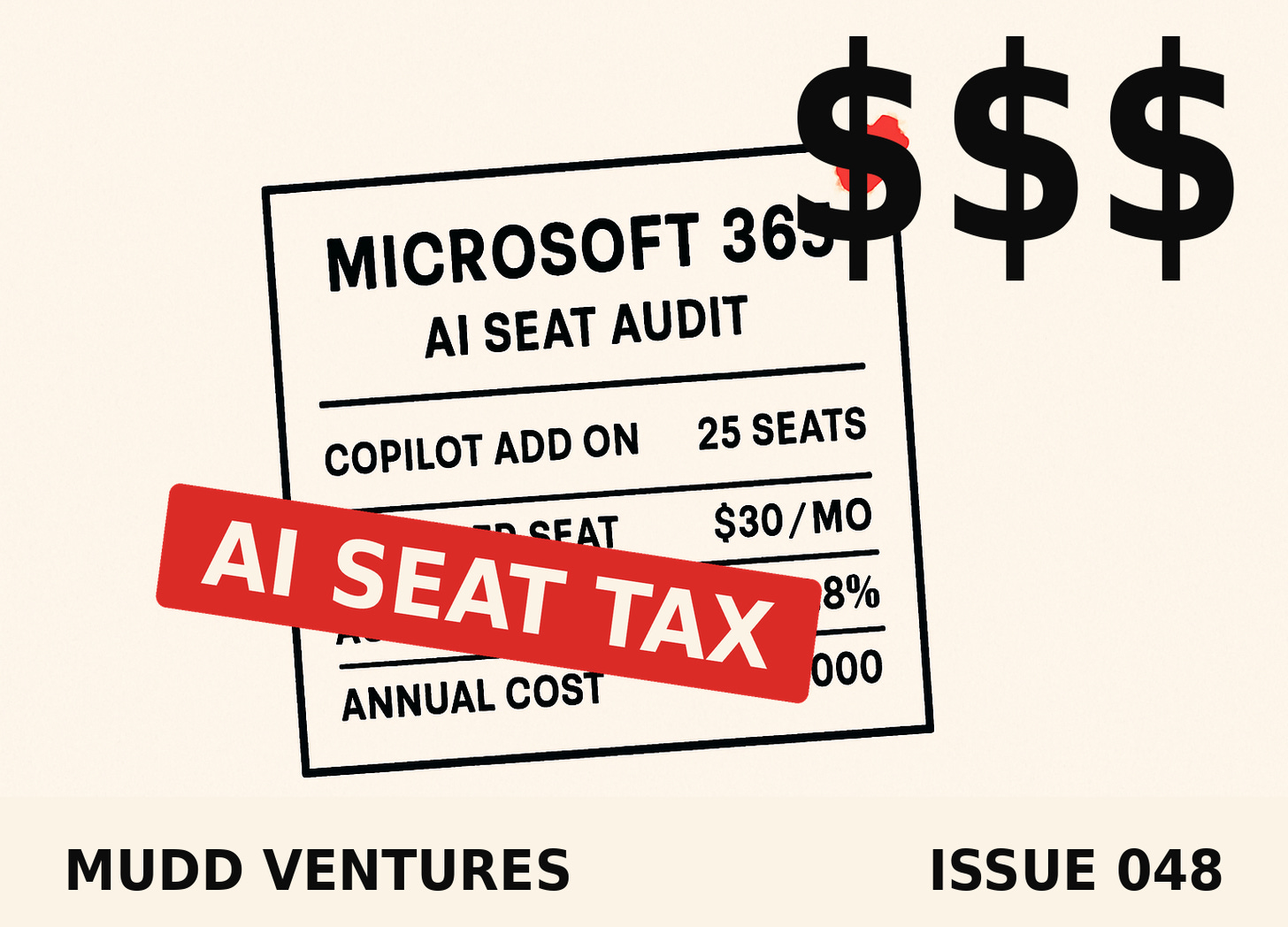
You’re probably not running 500 seats. Take a 25-person shop on Business Standard that also bought 25 Copilot add-ons at $30 a month. That’s $9,000 a year on the add-on alone, and if a third of the team ever opens it, you’re really paying about $75 a head for the people who use it and full price for the silence of everyone else. Almost every operator I run a cost audit with has some version of that sitting on the books, and the seat line is where the easy money almost always is.
Step 1: See what you’re actually paying per person who uses it
The move is simple. For every AI tool you pay per seat, pull the last-30-days active-usage number and divide your monthly spend by the people who actually showed up, not the people you bought seats for.
For Microsoft 365 Copilot, the usage lives in the Microsoft 365 admin center under Reports, then Usage, then the Microsoft 365 Copilot report (some tenants see it inside the Copilot Dashboard in Viva Insights). It shows enabled users versus active users per app. For ChatGPT Team or any other per-seat AI tool, the vendor’s admin panel has a members list with a “last active” column you can export.
Once you’ve got the export, you don’t have to eyeball it. Paste it into the AI and let it do the sorting:
Here is a CSV export of our AI tool seats and last-active dates.
Columns: name, tool, monthly_cost_per_seat, last_active_date.

Today's date is [DATE]. Do three things:
1. Flag every seat with no activity in the last 30 days as "dead."
2. For each tool, calculate cost per ACTIVE user (monthly spend divided by seats used in the last 30 days).
3. Give me a table sorted by total monthly waste, highest first.
Keep it to the table plus a one-line summary. No preamble.
The correct output is a short table where the “cost per active user” column is visibly higher than the sticker price, and a “dead” list you can act on. If the cost-per-active-user number comes back roughly equal to the sticker, you have high adoption and there’s nothing to cut here, which is a real and fine answer.
Where it goes wrong: the usage dashboards undercount. They often log activity for some surfaces and miss others, so a person who uses Copilot inside Outlook but never inside Teams can read as “inactive.” Don’t cut on a single bad month, and don’t cut a seat you can confirm someone uses somewhere.
Walk away with: a ranked list of exactly which AI seats are dead and what each active seat really costs you.
Step 2: Run the substitution test against the free tier that just leveled up
For the seats that are getting used, ask a narrower question: is the paid version doing something the now-included free tier can’t. That test got a lot more interesting on July 1, because the built-in Copilot chat that ships with your base plan now handles inbox and calendar awareness and basic Word, Excel, and PowerPoint help. A year ago that was thin. It isn’t anymore.
Go person by person on the active seats and ask what they actually use the paid add-on for. Draft an email, summarize a thread, clean up a spreadsheet, pull notes from a meeting. Then check whether the built-in chat already covers that specific job. A quick way to force the comparison:
TOOL | WHO USES IT | THE ONE JOB THEY USE IT FOR | DOES THE FREE BUILT-IN CHAT DO THIS? | VERDICT
Copilot add-on | Sarah (ops) | summarize long email threads | yes, mostly | downgrade, test for 2 weeks
Copilot add-on | Mike (finance) | build formulas + pivot in Excel | not deeply | keep
ChatGPT Team | 6 seats | general drafting | overlaps free tier | consolidate to 2 heavy users
The correct output is a verdict per seat: keep, downgrade, or consolidate. Keep the seats where the paid tool does deep work the free tier can’t touch, like heavy in-Excel analysis or grounded answers across your company files. Downgrade the ones where someone’s paying $30 to do a job the bundled chat now does. Consolidate the tools where you’re buying six seats of the same capability across two overlapping products.
The failure mode here is cutting on a demo instead of a trial. The free tier looks close in a 5-minute test and then falls short on the fourth real task of the week. Don’t cancel anything on day one. Downgrade one or two seats, run them for two weeks against real work, and let the person tell you if they hit a wall.
Walk away with: a keep / downgrade / consolidate call on every active seat, backed by the one real job that seat does.
Step 3: Right-size before your renewal date
This is the part people skip, and it’s the part that actually saves the money. Most of these seats are on annual or monthly terms you can only change at renewal, and Microsoft’s packaging changes roll through by August 1 with a 30-day notice in your Message Center. So the audit has a clock on it.
Pull every AI subscription’s renewal date into one line. For each one, take your Step 1 dead list and your Step 2 verdicts and set the new seat count you want to land on. Then put a reminder two weeks before each renewal to make the change, because the default is silent auto-renew at the seat count you had last year.
The correct output is a single number: your new monthly AI spend after you drop the dead seats and downgrade the redundant ones. For that 25-seat example, trimming even 10 idle Copilot add-ons is $3,600 a year back in the business, and you lost nothing anyone was using.
Where this goes wrong: annual lock-ins. If you pre-paid a year of seats, you may not be able to drop them until the term ends, and reactivating later can carry friction or a price bump. Check the term before you count the savings, and if you’re locked, put the date on the calendar and hold the audit until then.
Walk away with: a renewal calendar with a target seat count and a save-this-much number next to each date.
Failure modes to watch
The audit is easy to get wrong in three specific ways.
You cut a power user. The people who actually use Copilot report real gains, on the order of several hours a week saved, so the goal is never to strip AI from the team. It’s to stop paying full price for the two-thirds who never log in. Protect the heavy users. Cut the ghosts.
You trust one month of dashboard data. Usage reporting lags and undercounts by surface. Look at 30 to 60 days, and when a seat looks dead, confirm with the person before you pull it.
You run the audit after you renew. The single most common way this saves nothing is doing it a week too late. Renewal date first, everything else second.
The honest part
The built-in Copilot chat is real, but it isn’t the full paid Copilot. For deep, grounded work across your own company files, or heavy Excel and PowerPoint building, the $30 add-on still does things the free tier can’t. This isn’t a “cancel everything” pitch. When Copilot is actually used, the returns are strong, and cutting a genuine power user to save $30 is the wrong trade. The whole point of the audit is to tell those two groups apart instead of paying the same price for both.
And the size of the prize scales with your headcount. At 5 seats this is a couple hundred dollars a year and a good habit. At 40 or 50 seats it’s real money, and it’s money you’re currently handing over for logins that never happen.
Recap
Microsoft’s July 1 price hike raised your bill and, in the same move, bundled a capable AI chat into your base plan. That makes this the moment to check the AI Seat Tax you’re carrying. Pull usage and find what each seat costs per active user, test the active seats against the free tier that just got better, then right-size before your renewal date. Protect the power users, cut the ghosts, and put the renewal dates on a calendar so the savings actually land.
FAQ
I’m a 5-person business. Is this even worth 20 minutes? Probably yes, once. The dollars are smaller, but stacked AI seats hit small teams too, and finding one dead seat pays for the coffee you drank running the audit. Do it once, then only revisit at renewal.
How do I see who’s actually using Copilot? Microsoft 365 admin center, then Reports, then Usage, then the Microsoft 365 Copilot report. Some tenants see it in the Copilot Dashboard inside Viva Insights instead. It shows enabled versus active users per app.
Microsoft raised my price and I never added Copilot. Why did it go up? Because the AI and security features got folded into the base tiers. The built-in Copilot chat and some Defender protections are now part of the plan, so the base price moved even if you never touched the paid add-on.
If I drop the $30 add-on, do I lose AI in Word and Excel entirely? No. You lose the deeper in-app Copilot, but the bundled chat plus the Word, Excel, and PowerPoint helpers that now ship with your plan give you a lighter version. Test that lighter version on real work before you decide.
Is ChatGPT Team the same problem? Same audit, same math. Any tool you buy per seat and pay for whether or not people log in belongs in this review.
Where the Mudd Ventures work fits
Most of what I do in an AI Clarity Call starts exactly here, with a map of what you’re paying for versus what your team actually runs, because the seat line is usually the fastest dollars and the clearest signal of where AI is stuck in your business. If you want a second set of eyes on the audit before your renewal, that’s the room for it.
P.S. A few earlier issues that pair with this one:
When the built-in tool absorbs what you were paying extra for (the free-tier-ate-the-paid-tool pattern, applied to automation)
The workflows that now ship inside the software you already own
Want the audit run with you before renewal? muddventures.com/book
Building the seat-cost math into a repeatable system is the kind of thing we trade in the Abra AI community
Not subscribed yet? muddventures.substack.com
Reply with your seat count and which AI tools you stack, and I’ll tell you the first line I’d check.
Andrew